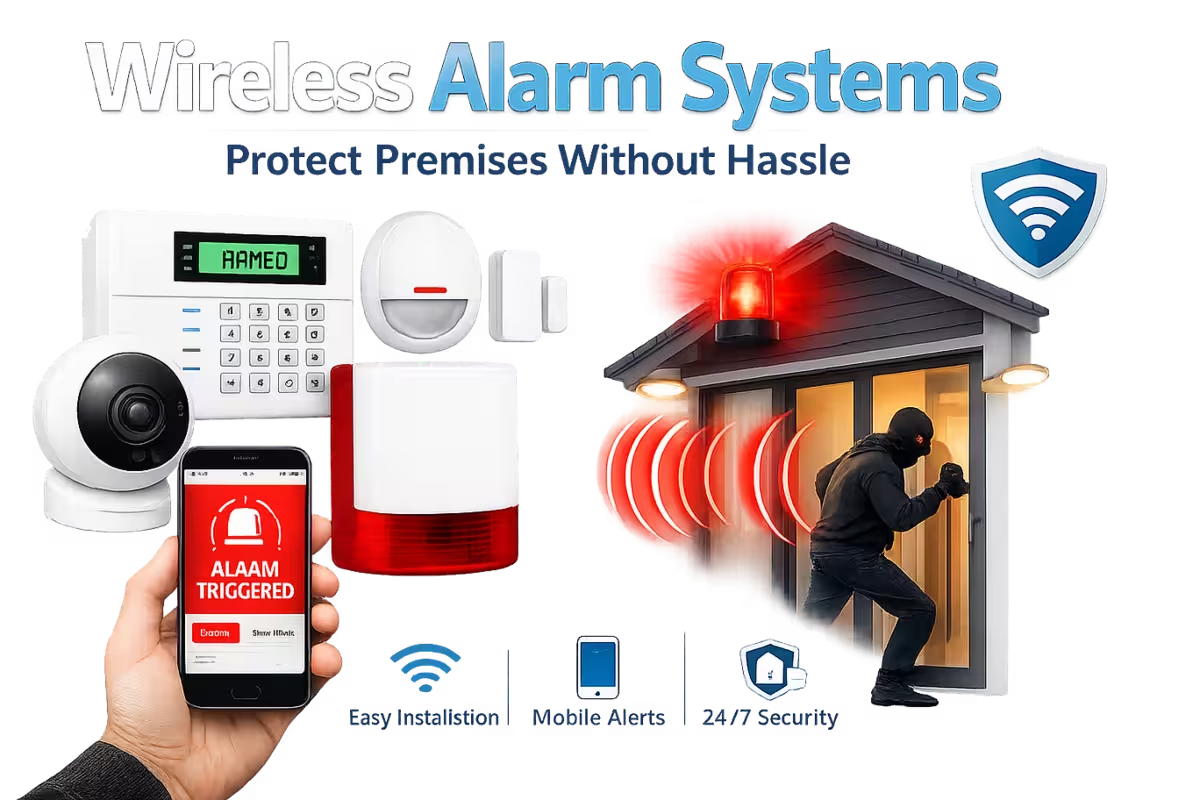
Whether you manage a shop, office, warehouse, or mixed-use property, a modern alarm system is no longer just a siren on a wall. Today’s wireless alarm systems can provide real-time alerts, mobile control, remote arming/disarming, and integration with CCTV and access control. Most importantly, they can be installed with minimal disruption—making them ideal for businesses that can’t afford downtime.
This guide explains how wireless alarms work, what to look for, how to avoid common mistakes, and how to design a system that matches your risk profile. If your goal is simple, reliable protection without complex building work, wireless is often the smartest path.
Why wireless alarms are popular for businesses
Wireless alarm systems use secure radio communication between sensors and the control panel. That means less cabling, faster installation, and easier expansion. If you move offices or change layouts, wireless sensors can often be relocated without major work.
- Faster installation: Minimal disruption to ceilings and walls
- Scalable: Add sensors as you grow or change premises
- Smart control: App control, schedules, and notifications
- Flexible zones: Different arming modes for different areas
Core components of a wireless alarm system
A professional alarm system is made up of a few key pieces. Understanding them helps you choose the right package.
- Control panel: The “brain” of the system
- Keypad: Local control for staff
- Door/window contacts: Detect opening of protected entry points
- PIR motion detectors: Detect movement inside key areas
- Shock/vibration sensors: Detect impact on doors/windows
- Sirens: Audible/visible deterrent
- Communicator: IP and/or cellular signalling for alerts
Monitoring vs self-managed alerts
Some businesses prefer self-managed alarms that send alerts to a phone, while others choose professional monitoring for added response and compliance. The right choice depends on your risk level, opening hours, and whether you have staff available to respond to alerts.
- Self-managed: App alerts to keyholders; lower ongoing cost
- Monitored: Professional alarm receiving centre; improved response options
Connectivity: IP, cellular, or both?
For reliability, many modern systems use dual-path signalling: IP (over broadband) plus cellular backup. If broadband fails or is tampered with, the alarm can still communicate. This is especially important for higher-risk premises or where insurance requirements demand resilient signalling.
Designing protection: start with entry points
Strong alarm design focuses first on entry points. Protect doors, vulnerable windows, and any access routes that allow silent entry. Then protect internal zones—like stock rooms, server areas, and cash handling locations. A well-zoned system allows partial arming: for example, arming the office area overnight while leaving a warehouse section accessible for authorised staff.
False alarms: how to prevent them
False alarms are common when sensors are placed poorly or sensitivity isn’t tuned. The goal is to detect real intrusions, not normal movement, drafty doors, or routine building noise.
- Place PIR sensors away from heaters and direct sunlight
- Avoid pointing PIR sensors at busy windows
- Use pet-immune sensors if animals are present
- Ensure door contacts are aligned and stable
- Train staff on correct arming/disarming routines
Integration with CCTV and access control
One of the biggest upgrades in modern security is integration. When an alarm triggers, your CCTV can mark the event, push a notification, and help you verify what happened. Access control logs can show who entered and when. This creates a fuller picture and reduces confusion during incidents.
Battery life and maintenance
Wireless sensors run on batteries, and good systems provide low-battery alerts well in advance. A basic maintenance schedule keeps everything reliable:
- Test the system monthly (including sirens)
- Review app notifications and keyholder list
- Replace batteries as recommended
- Check cellular signal if used
- Confirm entry points remain properly protected after any building changes
What to look for in a professional install
A professional installer should discuss your risks, entry points, daily routines, and future expansion. They should also ensure secure configuration (unique codes, proper permissions, and safe app access). The difference between a basic system and a properly designed one is huge—especially when you need it most.
Request an alarm system quote or call 0333 358 0556 to plan a clean, scalable wireless setup.