When your internet connection becomes the backbone of everything you do—calls, cloud apps, card payments, CCTV feeds, remote working, and customer support—“good enough” broadband stops being good enough. That’s why UK businesses are rapidly moving toward FTTP (Fibre to the Premises). Unlike older services that rely on copper for the final stretch, FTTP delivers fibre all the way into your building, giving you the stable, high-capacity connection modern businesses depend on.
In this guide, we’ll explain what FTTP is in plain English, why it matters, how it compares to SOGEA and FTTC, and how to choose the right package for your office, shop, warehouse, or multi-site business. If you’re building a reliable foundation for VoIP, cloud migration, or security systems, FTTP is often the most future-proof step you can take.
What FTTP means for your business
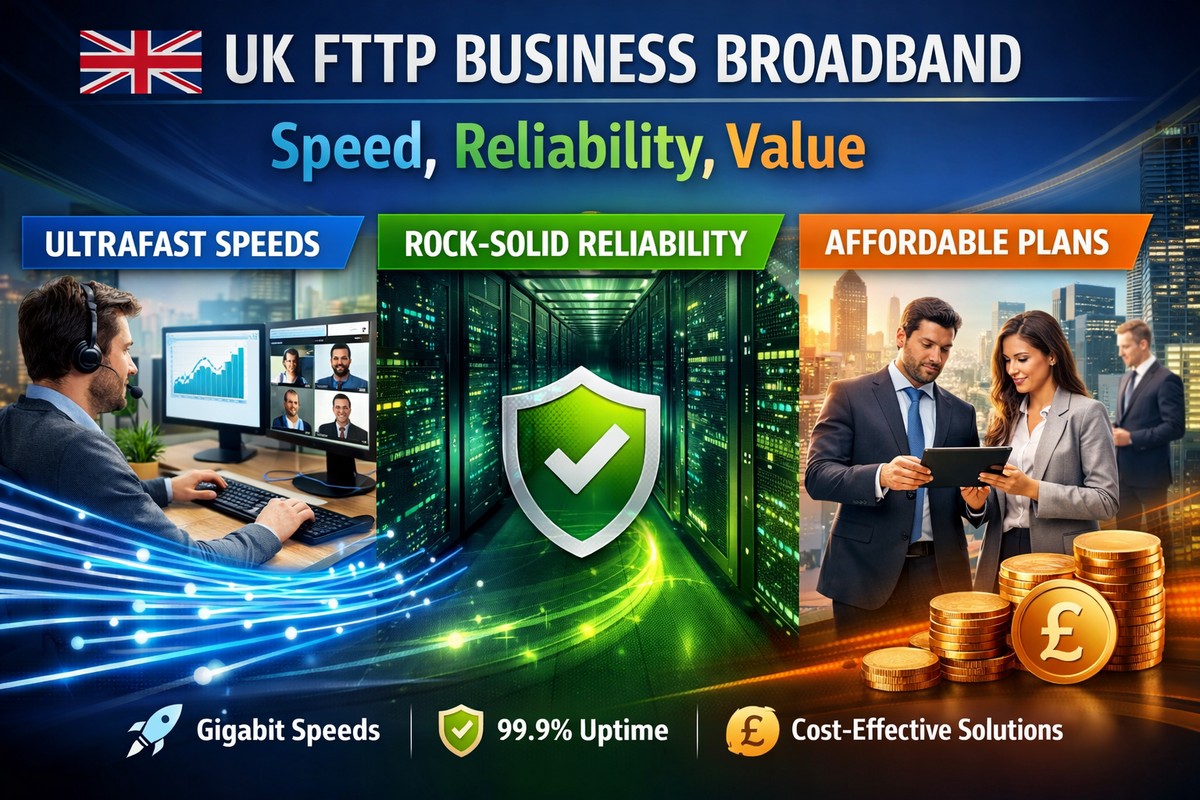
FTTP provides a direct fibre link from the provider’s network to your premises. Because fibre doesn’t suffer the same electrical interference and distance-related slowdown that copper does, you typically see faster speeds, lower latency, and more consistent performance throughout the day. That consistency is the difference between smooth video meetings and pixelated calls, between instant cloud file access and frustrating lag.
- Speed: Faster downloads and (often) faster uploads for cloud tools and backups.
- Stability: Less speed drop at peak times compared to copper-based lines.
- Low latency: Better for VoIP calls, VPN work, video conferencing, and remote access.
- Future-ready: Capacity to scale as your business grows and adds devices.
FTTP vs FTTC vs SOGEA: simple comparison
Many UK businesses still run on FTTC (Fibre to the Cabinet), where fibre reaches a street cabinet and copper runs the final segment to your premises. That copper segment is where speed and reliability can suffer, especially over distance. SOGEA is a “data-only” broadband service delivered over the Openreach network without a traditional phone line, which can simplify billing and reduce dependency on legacy voice infrastructure.
- FTTC: Lower cost in some areas, but copper last-mile can limit speed and stability.
- SOGEA: Often a cleaner upgrade path from old phone-line broadband; still copper-based at the premises.
- FTTP: Best performance and longevity; ideal for modern business requirements.
If you’re planning to move fully to hosted VoIP, adopt cloud-first working, or connect multiple security devices, FTTP usually gives the cleanest experience with fewer compromises.
Who benefits most from FTTP?
Almost every business benefits, but it’s especially valuable if you depend on real-time communication, cloud applications, or multiple connected devices. In practical terms, FTTP makes everyday work feel faster and more reliable.
- Businesses using VoIP or Teams calling for customer-facing communication
- Offices using Microsoft 365, SharePoint, OneDrive, or cloud CRMs
- Retail sites handling card payments, online orders, and live stock systems
- Sites with IP CCTV and remote viewing requirements
- Multi-user workplaces with heavy WiFi usage across laptops and mobiles
- Teams working via VPN into remote servers or hosted desktops
Understanding speeds: what you actually need
Picking the right speed is less about chasing the biggest number and more about matching your workflow. Download speed matters for updates, large file pulls, and general browsing. Upload speed matters for cloud backup, sending large attachments, video calls, and CCTV uploads. Latency matters for “real-time” tools—VoIP, meetings, remote desktop, and interactive apps.
As a simple guide, consider your daily usage patterns:
- Small office (1–5 users): Cloud email + video calls + browsing. FTTP 150–300 Mbps is often enough.
- Growing team (5–15 users): Frequent meetings + cloud storage + shared apps. 500 Mbps is a strong sweet spot.
- Busy office (15+ users): Multiple calls + heavy uploads + CCTV + VPN. 1 Gbps helps keep everything smooth.
- Enterprise / data-heavy: Multi-site + large sync + advanced monitoring. Higher tiers or dedicated options may be best.
Reliability: the hidden “speed upgrade”
Many businesses upgrade because of reliability, not just speed. A stable connection reduces downtime, improves call quality, and avoids the productivity drain of repeated reconnections. Reliability also protects customer experience—especially if customers rely on your phone lines, online booking, or payment terminals.
To maximise reliability, consider these practical steps:
- Business-grade router: Better WiFi and traffic handling for multiple users.
- Proper WiFi design: Correct access point placement for coverage, especially in larger premises.
- Segmentation: Separate WiFi for staff, guests, and IoT/security devices.
- Failover option: A 4G/5G backup can keep you online if the main line has issues.
Static IP: do you need it?
A static IP can be important if you host services, need secure remote access, run site-to-site VPNs, or want consistent access control for remote systems. It’s also useful for some CCTV and alarm integrations where stable remote authentication matters.
If you’re unsure, a safe approach is to start without it and add it when your setup demands it—or include it if you know your business will need VPN or hosted services from day one.
Installation and planning: what to expect
FTTP availability and installation timelines vary by area, but the general process includes a survey of the route for fibre, fitting a small internal termination point, and provisioning the service to your router. Good planning reduces disruption—especially for shops and customer-facing premises.
- Confirm service availability at your address
- Choose where the fibre enters the building (near comms area if possible)
- Plan internal cabling if your router needs to sit centrally
- Schedule the install at a low-disruption time if you have footfall
Getting the best value from FTTP
“Value” isn’t just the monthly price; it’s the cost of downtime, slow workflows, and poor call quality. A stable connection can pay for itself through improved productivity. When comparing packages, look at:
- Contract length and flexibility
- Support level and response expectations
- Router quality and WiFi capabilities
- Optional add-ons like static IP and 4G/5G backup
Next steps
If you’re upgrading your business connectivity, start by confirming availability, then match a tier to your real usage: number of users, cloud dependency, call volume, and security device load. If you need help choosing the right plan and setup, it’s worth getting advice from a provider that can handle broadband, VoIP, and security together—so everything works as one connected system.
Check availability and request a quote or call 0333 358 0556 to discuss the best option for your premises.